
Need Help?
Our engineers can confirm the specification, voltage and shipping cost for your market.
Send Inquiry40X60 Dual Heat Press For T Shirt Automatic Double Station Heat Press Machine
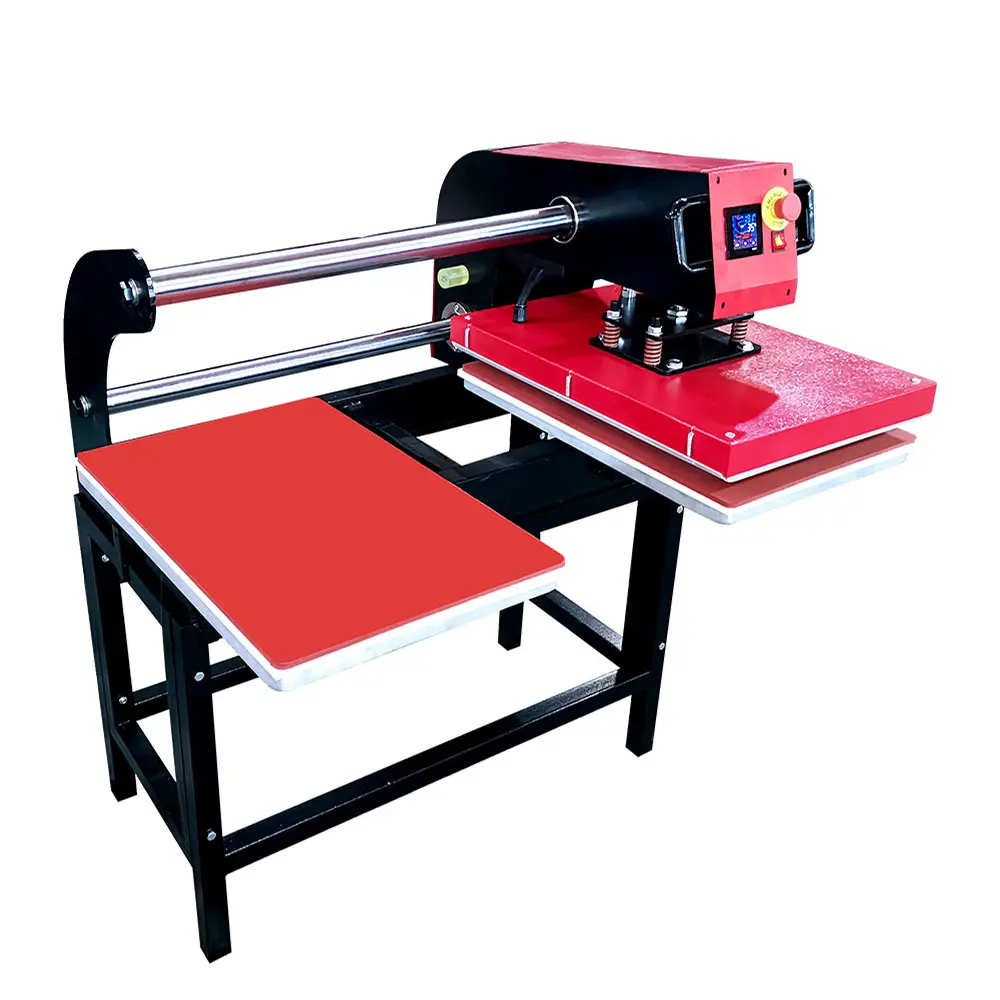
40×60 Dual Heat Press for T-Shirt Production
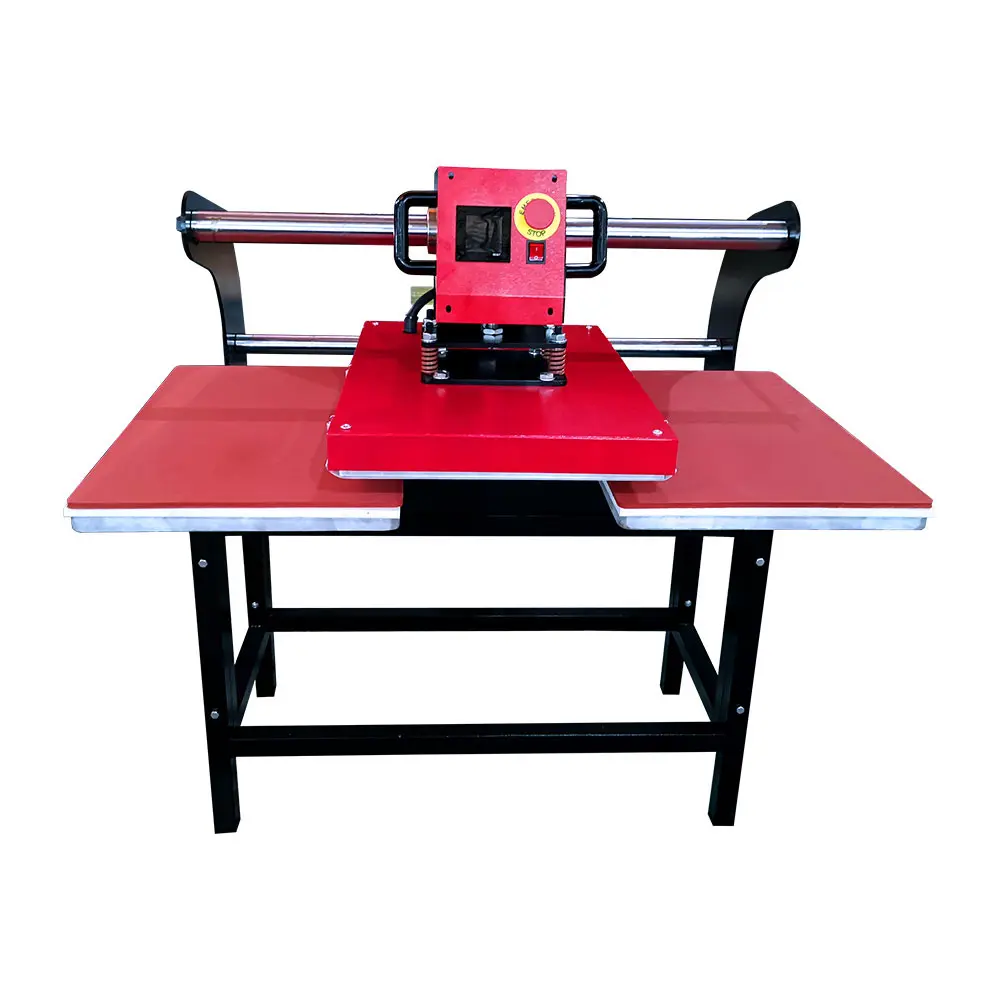
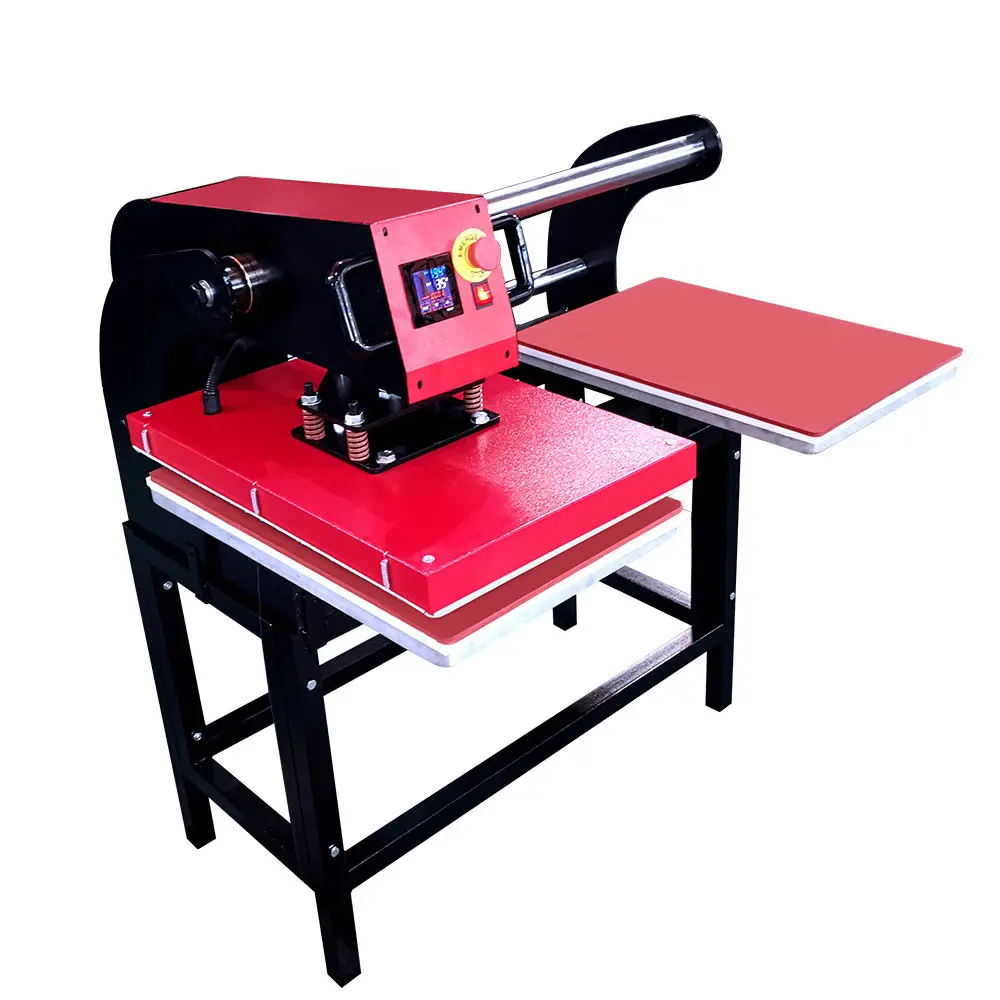
The 40×60 Dual Heat Press is an automatic double station heat press machine designed for transferring designs onto T-shirts and other suitable materials. Its heater is available in 38*38cm, 40*50cm, and 40*60cm sizes, making the 40*60cm option a match for users seeking the larger listed pressing area. The machine is described as pneumatic and semi-automatic: the operator pulls the working assembly by hand, while the pressing action is automatic.
A double-station arrangement is useful in garment decoration work where operators need an organized process for positioning items and carrying out heat-transfer tasks. The machine can be used for fabric, cloth, posters, mouse pads, sheets, and other listed materials. Applications depend on the material and transfer method being used, so operators should set pressure, temperature, and time according to the item and transfer requirements.
The swing and drawer design is described as providing a larger operating space and a more secure working arrangement. This layout gives the operator room to position a garment or other material on the work area. For T-shirts, the product description recommends inserting the shirt directly, helping avoid transfer of the pattern through to the back of the shirt. The approach is intended to support more controlled garment placement during printing.
The machine’s semi-automatic operation includes automatic opening of the heat plate after printing. This helps prevent the press from continuing to apply heat beyond the set printing time. For a shop, studio, or production workspace, that automatic opening action can make the end of a press cycle easier to manage while the operator prepares the next item. The product description also notes steady performance and a long life expectancy.
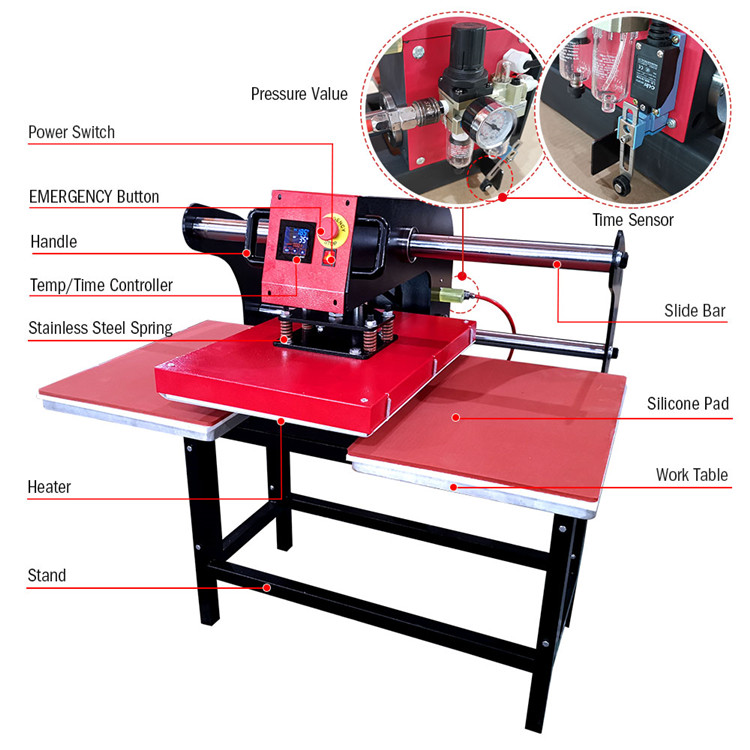
Technical Specifications
Use the specifications below to compare the machine with the requirements of your heat-transfer workflow. The heater size is offered in three options, and the operating time and temperature are adjustable within the listed ranges.
| Specification | Details |
| Item | Double Station Heat Press Machine |
| Power | 2.8KW |
| Heater Size | 38*38cm / 40*50cm / 40*60cm |
| Temperature Range | 0-399℃ |
| Heating Up Time (180″C) | About 20-30 Minutes |
| Time Range | 0-999s |
| Packing Weight | 160kg |
The listed power is 2.8KW, the temperature range is 0-399℃, and the timer range is 0-999s. Heating up to 180″C takes about 20-30 minutes. These figures describe the machine’s stated operating range and heating time; actual transfer settings should be selected for the material, design, and transfer process in use. The packing weight is listed as 160kg, which is relevant when planning receipt, handling, and placement of the equipment.
Operating Design and Practical Benefits
The swing and drawer configuration combines working access with a design intended to provide more operating space. An operator can position the material on the work area, prepare the transfer, and use the hand-pulled movement before the machine carries out the automatic pressing action. The sequence is suited to users who want a semi-automatic press rather than a process in which every stage is manually pressed.
Directly inserting a T-shirt is a practical detail for garment printing because it helps keep the transfer pattern from reaching the back of the shirt. This is particularly useful when decorating apparel, where a clean separation between the front and back panels matters. For posters, cloth, sheets, mouse pads, and other compatible materials, the operator can adapt placement and settings to the item being processed.
Automatic opening of the heat plate after the printing cycle supports a clear finish to each press operation. The machine is not intended to continue heating the item past the set time, according to the product description. Operators can use the opening cycle as a cue to remove or reposition the material and continue with the next task, while following appropriate handling practices for hot equipment and freshly pressed items.
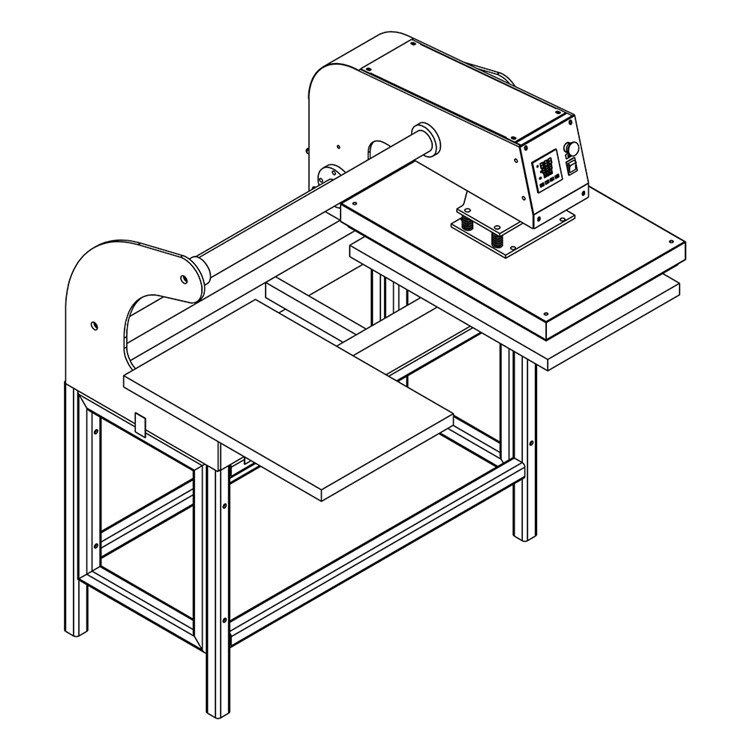
Setup, Adjustment, and Routine Use
Before starting a transfer, place the machine on an appropriate work surface and prepare the material and design. The machine pressure is adjusted to the minimum before delivery. After receiving it, adjust the pressure to suit the stamping material rather than assuming the delivery setting is suitable for every job. Changes in material and transfer requirements can call for different pressure settings, so make adjustments deliberately and check the result using your normal production process.
For pressure adjustment, use the pressure knob and set the pressure according to the item being stamped. The original operating instructions include directions for turning the knob to adjust pressure; because those directions state the same turning direction for both increasing and decreasing pressure, verify the adjustment on the machine rather than relying on an ambiguous direction alone.
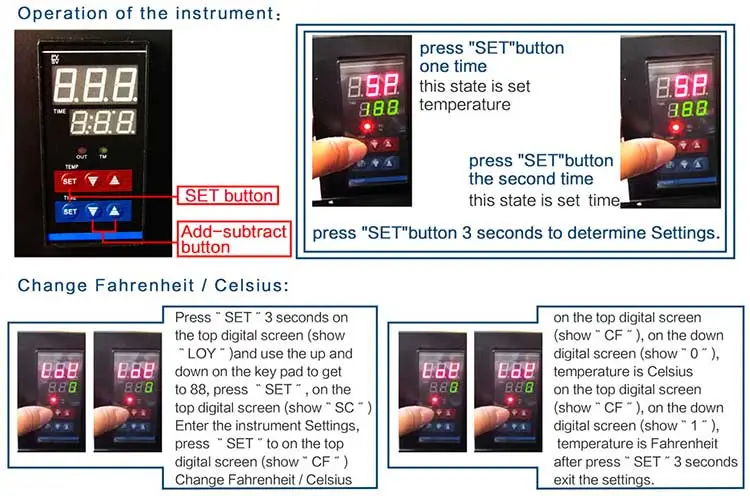
To set the temperature, press the STE button or temperature-setting control. When the temperature setting blinks, use the “△” or “▽” arrows to select the required temperature. Press the SET button after setting the temperature to proceed to the time setting. Use the arrow controls to adjust the displayed setting, then press SET to confirm. The temperature and time should be chosen for the material and transfer application being processed.
As routine care, keep the working area orderly, use the press according to its controls, and inspect the machine and pressing surface as part of normal operation. Allow the heat plate to complete its automatic opening cycle after printing, and handle the equipment carefully while hot. This basic attention to setup, adjustment, and work-area cleanliness helps operators maintain an organized process and make consistent use of the machine for garment and material decoration.